
Your behind-the-scenes look at Client Portal
Hey there, welcome in!
We’re so excited to have you here. This isn’t a demo video or a screenshot. You’re standing inside a real, working Client Portal right now, and everything you see is exactly what your clients would experience.
Have a look around! Here’s what you can try:
- Open a content page to see rich formatting, tables, callouts, and more
- Download a file from the files module
- Browse the image gallery and click through the visual slider
- Explore the Features section to preview all 6 module types
You’re inside a Client Portal right now. Everything you see is powered by the same plugin you’d install on your WordPress site. Get one for yourself
Discover
Before you dive into the features, here’s a quick overview of what Client Portal is, how it works, and how businesses like yours are using it every day.
These are real, clickable portals you can explore right now. Each one shows a different use case to give you ideas for your own portals.
-
Website Redesign Portal https://clientportalportals.com/client/polymark-redesign/Open
-
Life Coaching Portal https://clientportalportals.com/client/life-coaching/Open
-
Content Marketing Portal https://clientportalportals.com/client/content-marketing/Open
-
View all example portals https://client-portal.io/inspirationOpen
Features
Client Portal comes with 6 different module types. Click into each one below to see exactly how they work. Everything here is live, so have a play around.
Attach any type of file for your clients to download – PDFs, documents, spreadsheets, zip files, whatever they need. Files are stored securely on your WordPress site and only accessible to clients who have portal access.
This is a public demo portal, so the upload form isn’t active here.
On a real portal, your clients see a simple drag-and-drop area where they can send you files, brand assets, or anything else you need from them.
You get an email notification whenever they upload something new.
You cannot upload files to a public portal.
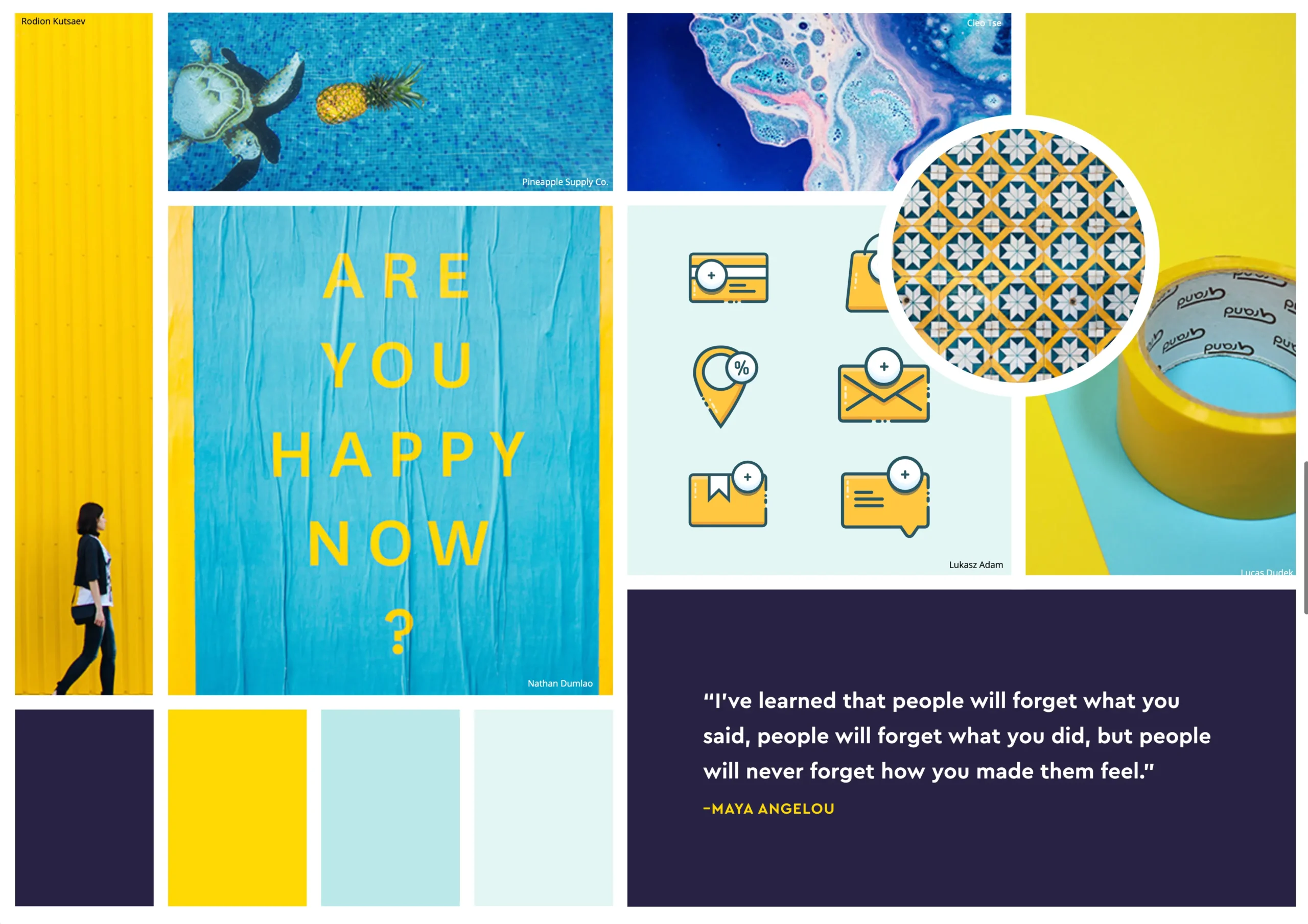
Share visual work with your clients in a scrollable gallery. Use the arrows to browse and download any image.
Perfect for mood boards, design concepts, screenshots, and portfolios.


Point your clients to external resources – scheduling tools, shared documents, cloud storage, or anything else they need quick access to.
Progress Tracking
Every module can be marked as active, inactive, or completed so your clients always know where things stand. Here’s what each status looks like from your client’s perspective.
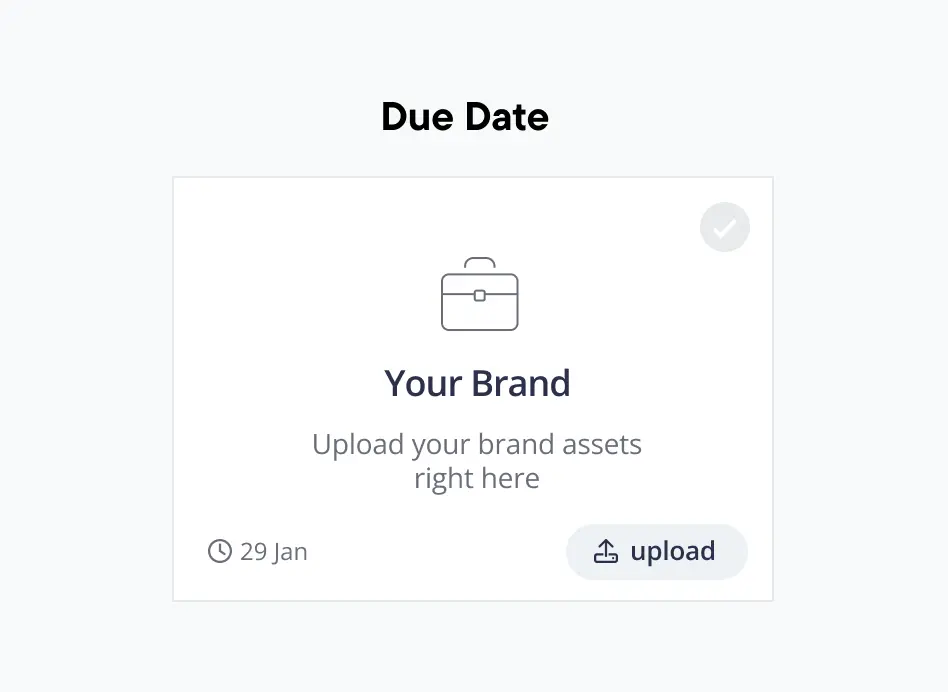
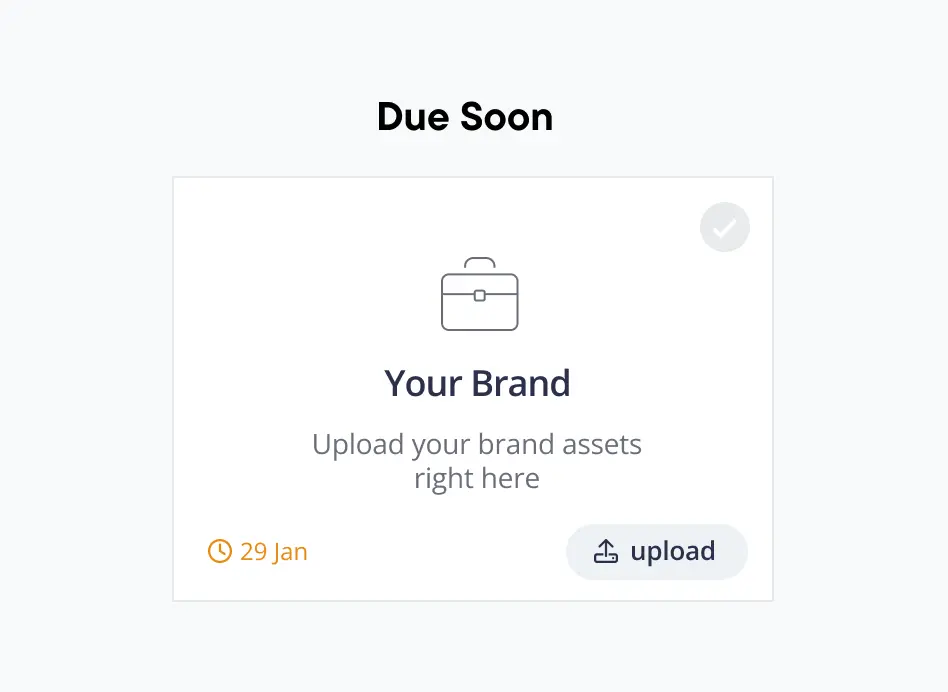
When you mark a module as active, your client sees it in full colour with a due date showing when they can expect delivery. It’s a clear signal that this phase is in progress.
How it works
- The module appears bold and prominent with a grey tick showing it’s in progress
- A due date tells your client when to expect delivery
- Update the due date any time if timelines shift
- Turn on notifications so your client gets an email when anything changes
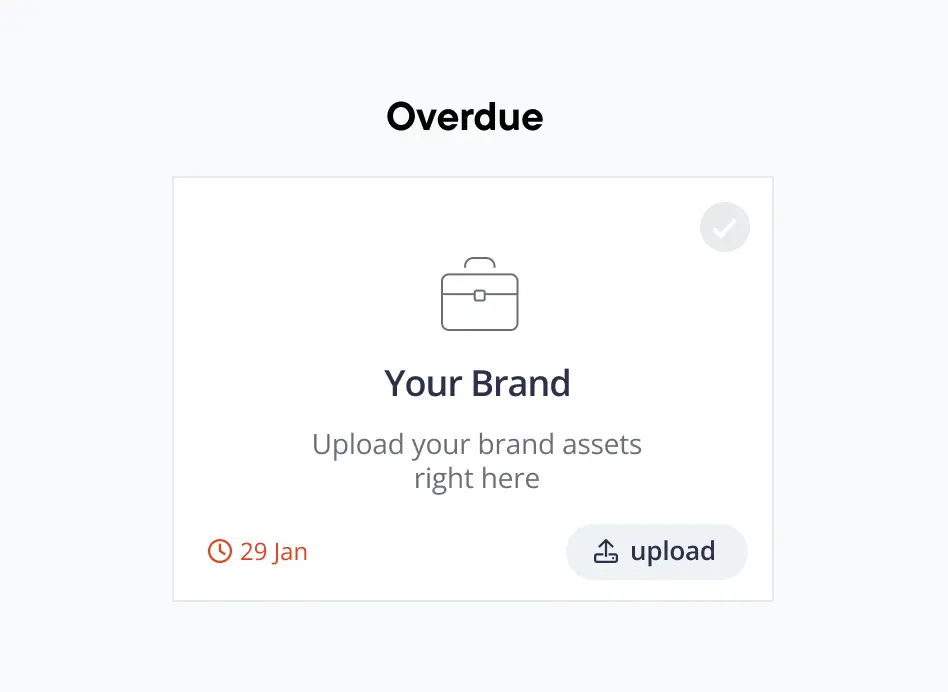
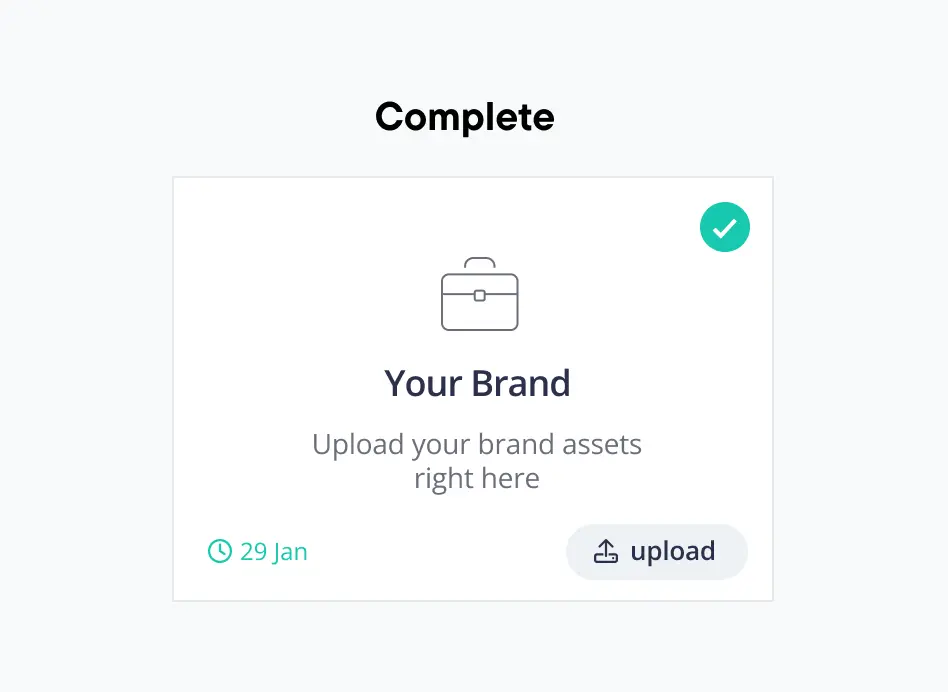
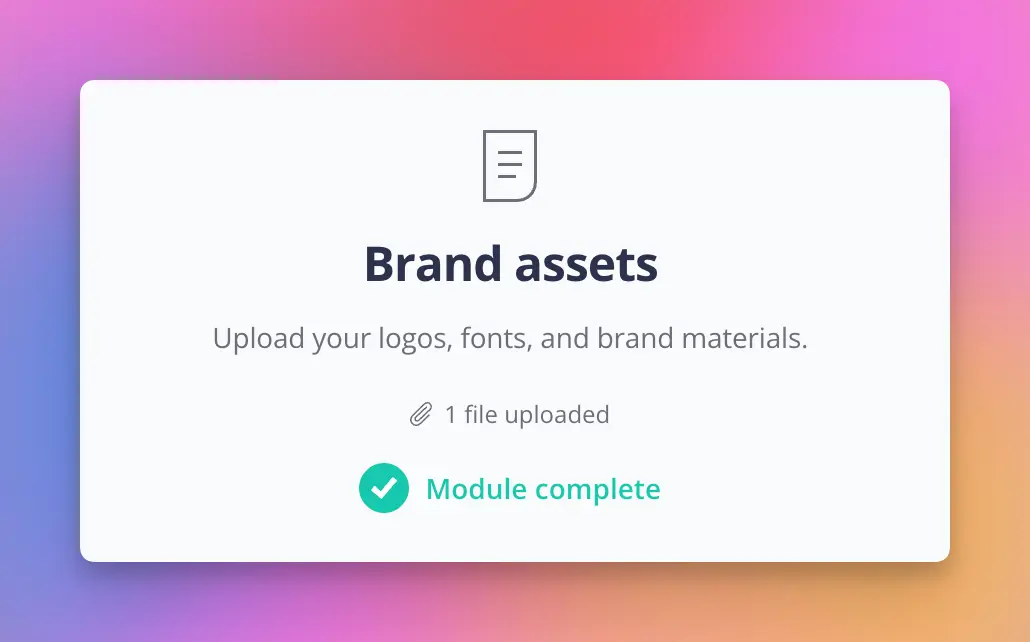
When a module is marked as complete, it gets a green tick and the due date turns green to show when it was delivered. Your clients get a clear record of what’s been done and when.
How it works
- A green tick and green date confirm this phase is finished
- All files and content stay accessible — nothing disappears
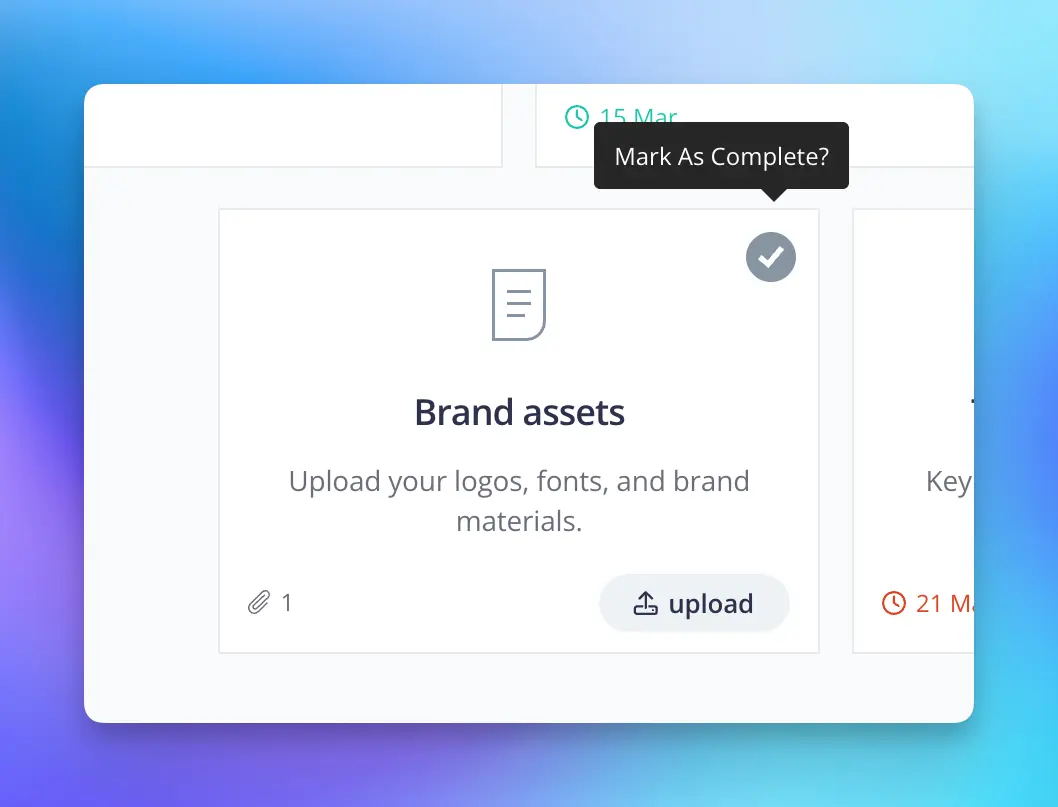
- You can mark modules complete yourself, show a checkbox so your clients can tick it off, or hide the checkbox entirely
- Notifications can be sent automatically when something is delivered
Get Started
Ready to get going? Here’s everything you need to set up your first portal, plan your structure, and get answers to the most common questions.
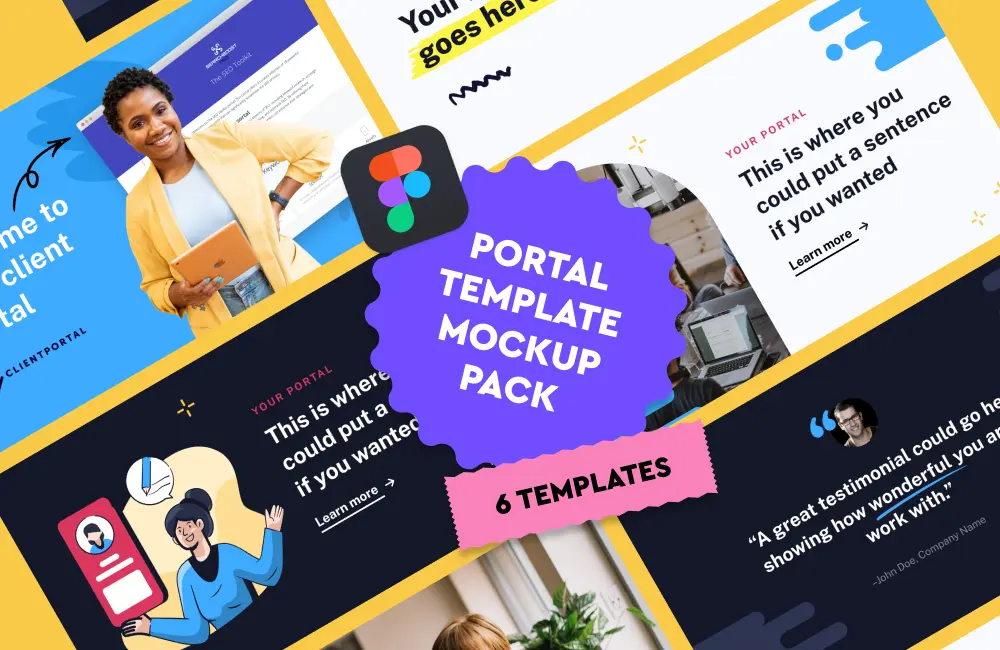
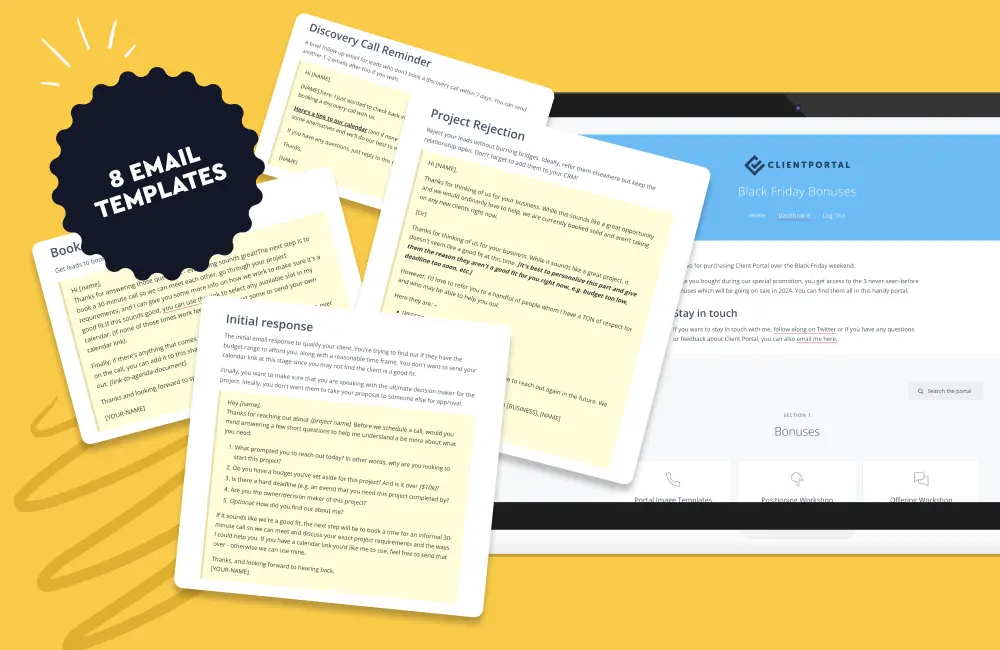
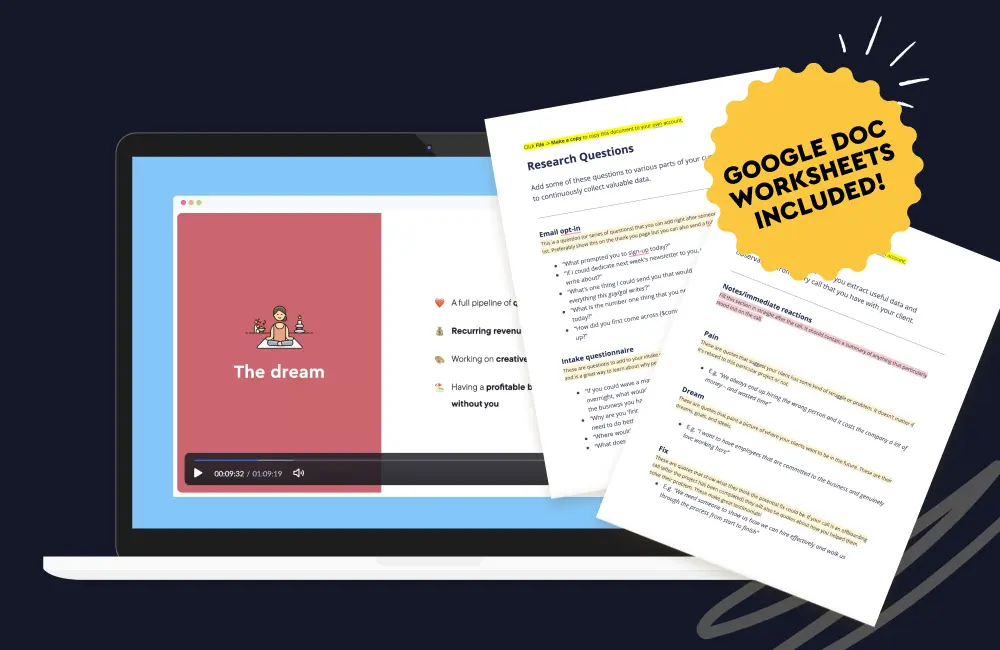
We regularly put together resources to help you get more out of Client Portal and grow your business – things like workshops, Figma templates, email templates, and more.
As a customer, you get access to everything we’ve ever released, plus anything new we put out in the future. Here are a few examples of what’s currently available:
Ready to create portals like this?
Install Client Portal on your WordPress site and have your first portal live today
- hello@client-portal.io
- client-portal.io
- Powered by Client Portal