
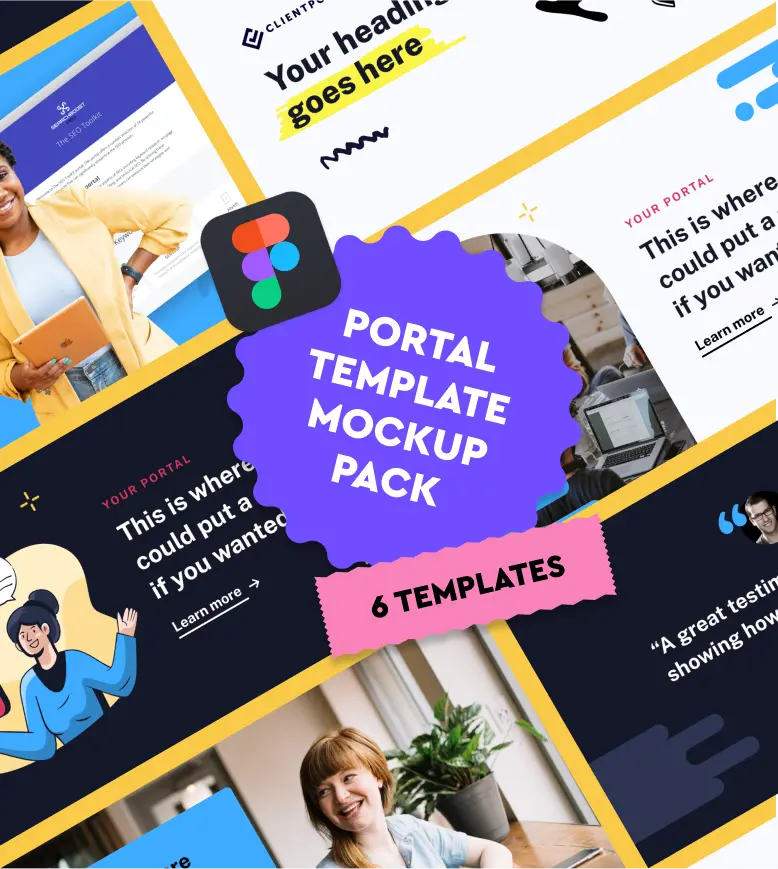
A set of 6 professionally designed Figma templates you can use inside your portals. Swap in your own branding and you’ve got a polished set of visuals for your business in minutes.
How to use these templates
To edit this file, make sure you copy it to your own Figma account. To do this, click the dropdown next to the file name and click “Duplicate to your drafts“.
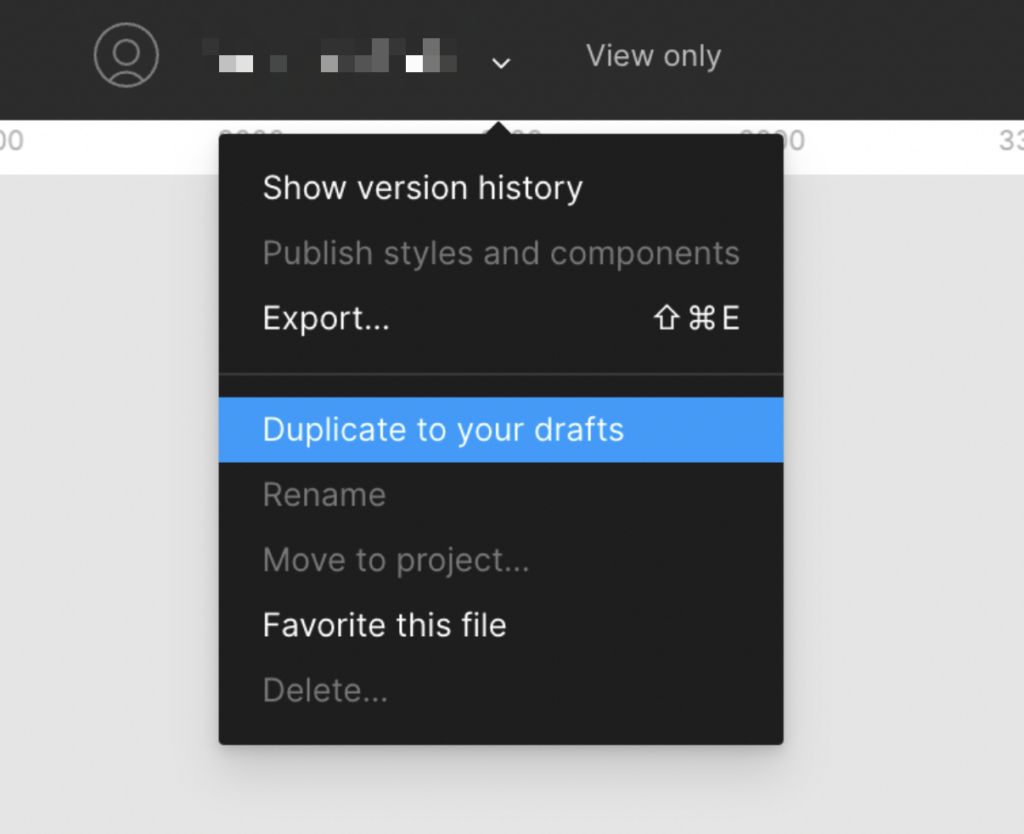
Once duplicated, you can:
- Swap in your own brand colors and fonts
- Replace the placeholder text with your own content
- Export the images and upload them to your portals
- Use them as hero images, welcome graphics, or section headers
Tip:
These templates work best when you keep them consistent with your brand. Pick 2-3 colors and stick with them across all your portal visuals.